3D printers let people turn digital designs into real objects by building them layer by layer. They range from simple desktop models for hobbyists to larger machines for prototyping and production. We’ll cover the kinds of printers most people buy, what they do well, and who they’re best for.
Choosing a 3D printer comes down to a few key things: the printing technology (like FDM or resin), build volume, print quality, material compatibility, and ease of use. The most important factor is matching the printer’s technology and materials to the parts you want to make, because that decides the final look, strength, and cost of each print. We tested and compared models across price points to find printers that deliver reliable results and good value, so you can pick one that fits your needs and budget.
Best 3D Printers
Below is our full list of the best 3D printers we recommend. We picked models that are easy to use, print reliably, and work well for beginners and hobbyists alike.
FlashForge Adventurer 5M

We recommend this printer if you want very fast, mostly reliable prints with easy setup and app monitoring.
Pros
- Fast CoreXY motion cuts print time.
- One-click auto-leveling saves setup hassle.
- Quick nozzle swaps make maintenance simple.
Cons
- Fast speeds can need tuning for best quality.
- Some parts feel lightweight compared to metal rivals.
- Finding uncommon filament sizes might be tricky.
We unboxed this and had it printing within minutes. The auto-leveling worked first try and the app let us watch prints without standing over the machine.
Speed impressed us right away. At higher travel rates the printer finishes prototypes much faster than typical desktop models, though we dialed temperatures and acceleration to avoid ringing on fine details.
Changing the nozzle in seconds was a relief during long test runs. The direct extruder heated quickly, but the lightweight panels made the unit feel less sturdy than all-metal frames we’ve used.
Remote monitoring and vibration compensation helped keep prints consistent. If you want a fast, user-friendly printer for quick prototypes and small runs, this is a strong choice; just plan to fine-tune settings for the cleanest results.
FlashForge AD5X

We recommend this if you want fast, multi-color prints with features that speed up setup and keep prints reliable.
Pros
- Fast multi-color printing that really speeds up small production runs.
- Easy 1-click bed leveling and resume-after-power-loss work as advertised.
- Solid print quality from the direct-drive hotend and good cooling.
Cons
- App only monitors; you can’t start prints from it.
- Bed can run hot during leveling and needs some getting used to.
- Setup and tuning still required for best results with different filaments.
We unboxed and set this up quickly. The 1-click auto leveling saved time and felt reliable after a few prints.
We used the multi-color mode for small toys and parts. Colors aligned well once we dialed in temperatures and retraction.
We pushed speeds higher for prototypes and saw real time savings, though very fine detail needs slower settings. The machine feels sturdy and the nozzle options let us pick detail or speed when we need it.
FlashForge Adventurer 5M Pro

We recommend this if you want a fast, all-in-one desktop printer that handles many materials and saves setup time.
Pros
- Very fast prints with stable Core XY frame.
- Easy setup and auto bed leveling save time.
- Fits many filaments for versatile projects.
Cons
- Speed can reveal ringing on delicate details.
- Enclosure and plastics feel less premium.
- Some users report occasional part or filament fit issues.
We unboxed and ran a few prints right away. The machine heated fast and the app made starting a print simple. Auto bed leveling worked well for the first layer, and we appreciated the tool-less removable build plate.
Printing at high speed felt impressive. Large parts came out quickly, and the Core XY frame kept movements steady. Finer details required a slower nozzle and smaller nozzle size to avoid tiny artifacts.
Material options changed what we made. PLA printed reliably, and tougher filaments like PETG and TPU worked after a few tweaks. The printer’s metal extruder and higher nozzle temp gave us confidence to try different blends.
The enclosure helped keep temperatures stable but the case and some trims felt lightweight. Occasional setup hiccups and a couple of users’ posts about part issues suggest checking the unit thoroughly when it arrives.
We liked the remote monitoring and resume features during longer jobs. For makers who want quick starts, broad material support, and fast output, this unit is a solid pick; hobbyists seeking very fine detail or a heavy-duty metal shell might look elsewhere.
Creality K2 Combo
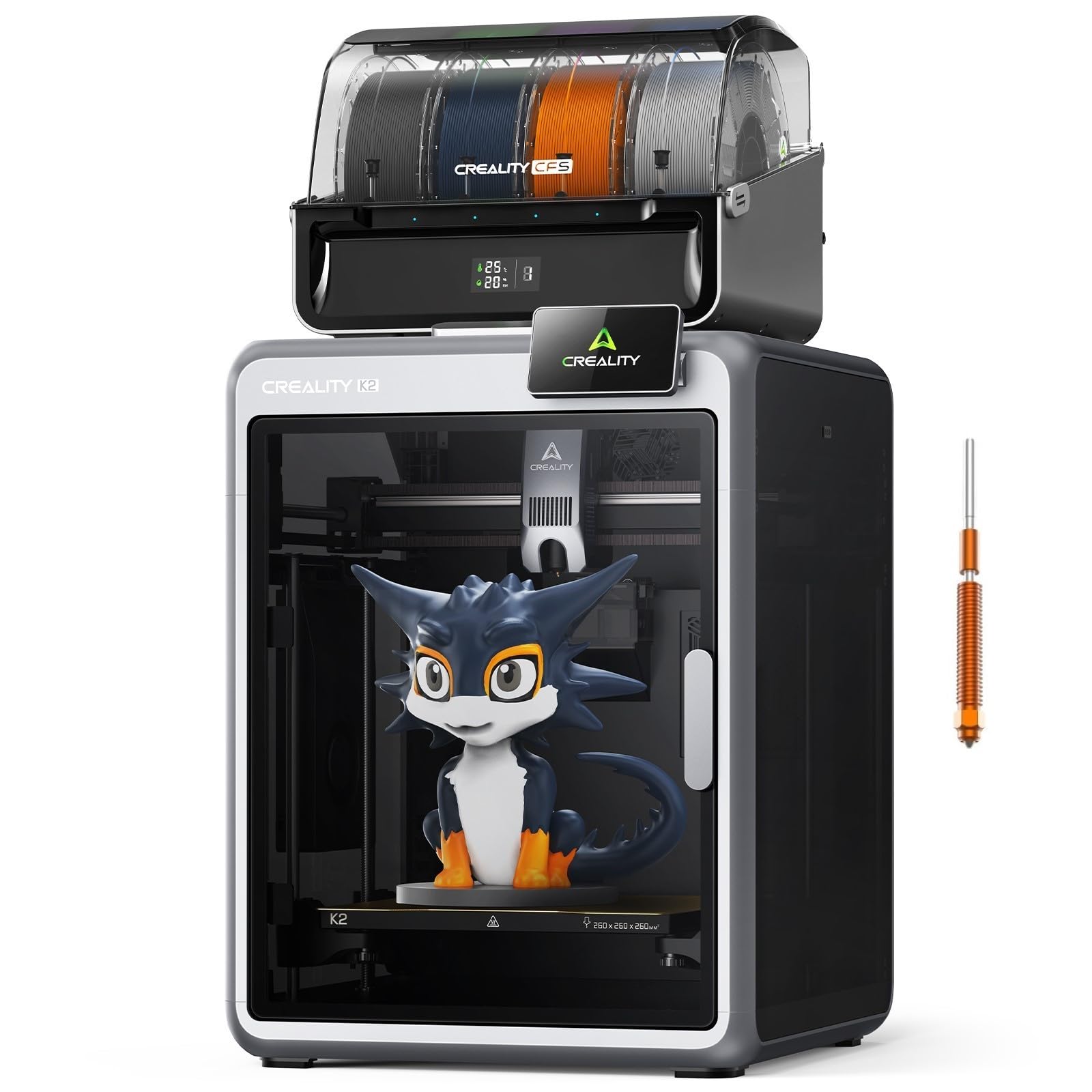
We think this is a strong pick if you want quick multicolor prints and a mostly ready-to-run machine.
Pros
- Multicolor options without painting
- Quiet operation during prints
- Fast setup and reliable frame
Cons
- Extra color units add setup work
- Starter filament can be low quality
- Camera or accessories may be hit-or-miss
We unpacked the K2 Combo and got a real sense of its power right away. The multicolor CFS unit hooked up cleanly and let us run parts with several tones, which saved time on painting. Small prints came out sharper than we expected.
The machine is noticeably quiet. We could stand near it while it printed and talk without raising our voices. The step-servo motors keep motion smooth and the direct drive extruder handled flexible filaments without chewing them up.
Auto leveling focused only on the area we were printing, which cut setup time and reduced failed first layers. We did swap out the included filament quickly because it underperformed. Also, adding more CFS units increased complexity; the extra wiring and calibration took patience.
FlashForge AD5M

We recommend this printer if you want fast, reliable prints and easy setup without wasting time on manual leveling.
Pros
- Fast printing and smooth CoreXY motion
- One-click auto leveling and easy remote control
- Quick-swap nozzles make maintenance simple
Cons
- Bed adhesion needs attention for some materials
- Setup has small fiddly steps (ribbon cable, filament loading)
- Nozzle jams can happen if filament isn’t handled carefully
We unboxed and set this up in under an hour. The one-click leveling really removes the stress of first-layer trouble. We liked being able to start prints quickly and watch the machine move confidently.
Print speed felt impressively fast for detailed parts. High-speed moves stayed stable thanks to the all-metal CoreXY frame. We saw good surface finish on PLA and PETG after a few test prints, though some parts needed slight bed temp tweaks.
Swapping nozzles took seconds and cut down our maintenance time. The Flash Maker app and slicer let us send jobs and watch prints from another room, which proved handy when we ran multiple jobs. Overall, this feels like a polished machine for beginners and hobbyists who want speed with simple upkeep.
Bambu Lab P1S Combo

We recommend this if you want fast, reliable prints and easy multi-color projects with minimal fuss.
Pros
- Very fast prints and solid detail.
- Easy setup and dependable auto-leveling.
- Multi-color/multi-material support with AMS.
Cons
- AMS needed for full color/multi-material use.
- Larger footprint and heavier than basic printers.
- Some advanced filaments may need tweaking.
We unpacked the P1S and started a print within about half an hour. The frame felt sturdy and the controls were simple, so we spent less time fiddling and more time printing.
Speed surprised us — small models finished much faster than on older machines. The prints came out clean and the auto bed leveling cut down on failed first layers.
Adding the AMS changed how we work. Swapping colors mid-print worked well, though the AMS is an extra cost and more to manage in the workspace.
We pushed through a few tougher filaments and the enclosed design helped keep prints consistent. For carbon or glass-filled materials, we stayed cautious and tuned settings a bit.
Overall, the P1S Combo made our printing workflow smoother and faster, especially when we used Bambu Studio and the AMS together.
FlashForge AD5X

We would buy this if you need fast, four-color printing and can handle setup quirks.
Pros
- Prints four colors without swapping spools.
- Very fast travel and solid CoreXY frame.
- Auto features cut down on tinkering during long jobs.
Cons
- Setup and tuning take time to get right.
- Software and compatibility feel limited at times.
- Mixed reliability reported under heavy use.
We ran the AD5X for a week to test multi-color parts and small production runs. The four-filament system truly saves time when making color-coded prototypes. Colors align well once you tune retraction and purge settings.
High-speed moves felt stable. The all-metal CoreXY gave firm layers even at faster prints, and the hotend handled tougher filaments like PETG and carbon-fiber blends without drama. We did notice stringing until we adjusted temperatures and flow.
Some days were frustrating. The first runs needed more leveling and calibration than advertised. The supplied software can be limiting compared with slicers we normally use, and some users report extruder clogs or firmware limits. If you want a speedy, multi-color workhorse and can spend a few hours tuning it, this printer performs well.
Creality K2 Plus Combo

We recommend this if you want very fast, multicolor prints and a mostly hands-off setup.
Pros
- Blends up to 16 colors for lively multicolor parts.
- Prints large models quickly while keeping good detail.
- Auto monitoring and filament drying cut down failed prints.
Cons
- Heavy and bulky — needs two people to move and a big workspace.
- Multicolor system adds complexity and takes time to load.
- Advanced features may need tweaking if you’re new.
We unpacked and set this up in one afternoon. The aluminum frame feels solid and the enclosed chamber keeps prints stable when we push speed and large sizes.
Printing with the CFS unit was exciting — colors mix smoothly and saves swapping spools. We did need a few trial prints to dial in flows for clean transitions.
Running at high speed saves hours on big jobs, but it exposed tiny tuning issues on some filaments. The dual AI cameras helped catch nozzle clogs and messy layers before wasting filament.
Overall, we found it powerful for makers who want big, colorful prints and don’t mind a learning curve and the space it takes.
Creality K2 Combo
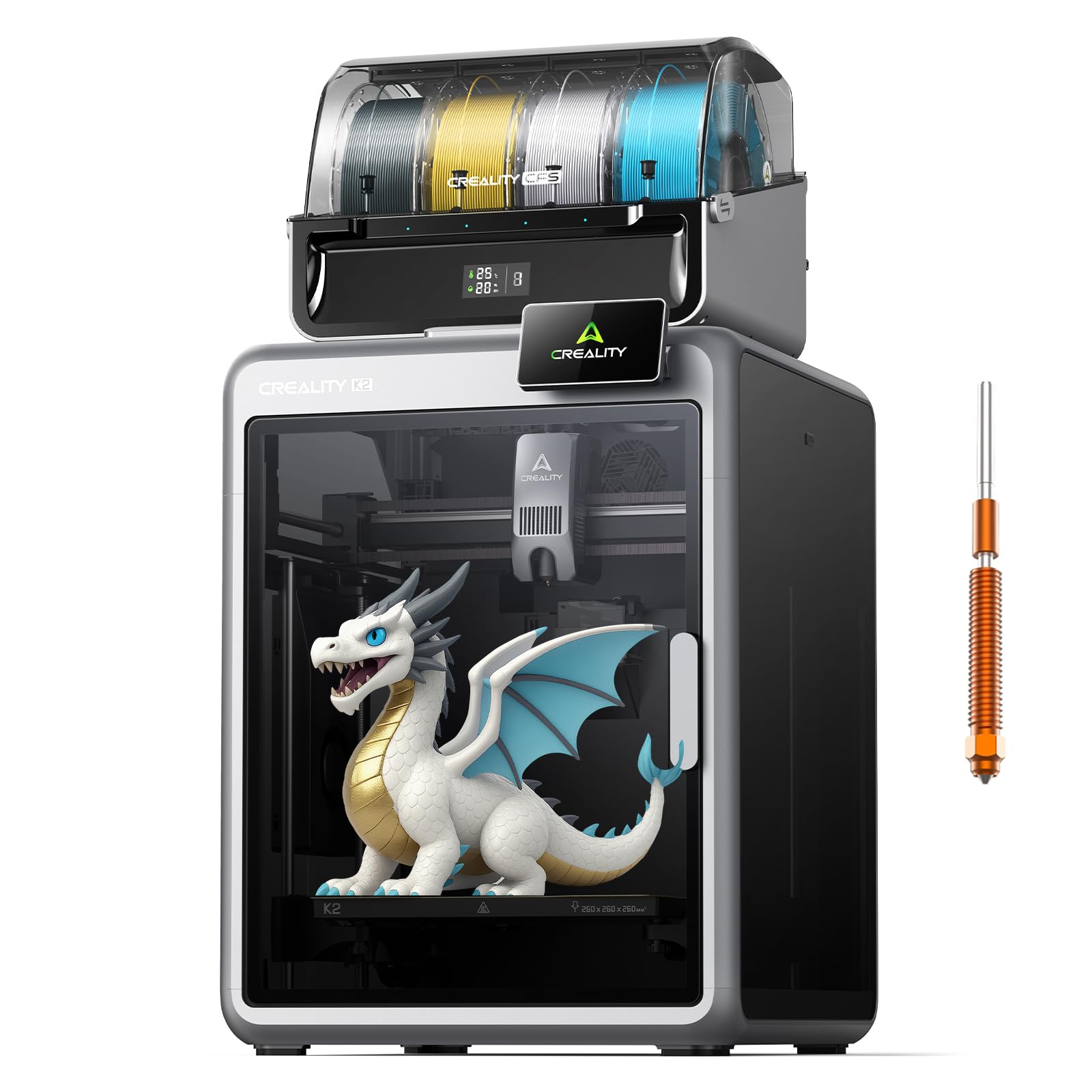
We recommend this if you want fast, multicolor prints and are ready to tinker when things need fine-tuning.
Pros
- Vibrant multicolor printing with the CFS system.
- Very fast prints and solid mechanical stability.
- Quiet operation and easy startup for beginners.
Cons
- Extruder and hotend can need maintenance or replacements.
- Finding specific K2 parts is sometimes difficult.
- Multicolor setup adds complexity and occasional jams.
We took this machine through a few multi-color projects and were impressed by how clean the color transitions looked. The built-in CFS unit made swapping filaments smooth, and prints came out bright without extra fiddling.
Setup was almost plug-and-play. The unit arrives mostly assembled and the guided leveling helped us get a good first layer fast. Silent Mode kept the workshop pleasant while the printer ran long jobs.
We also ran speed tests and pushed high-infill models. The frame and dual Z-axis felt rock solid, and parts showed consistent layers even at higher speeds. That said, we hit jams and filament blobs a few times, and fixing them meant getting hands-on.
Maintenance matters here. We replaced a nozzle and cleaned the hotend after stringing and a soft jam. If you like troubleshooting or plan to print a lot of engineering filaments, be ready to source parts and swap components occasionally.
Overall, the K2 Combo shines for makers who want multicolor and fast prints and who don’t mind doing some upkeep to keep it running well.
Centauri Carbon

We recommend this printer if you want fast, stiff, out-of-the-box performance for strong technical prints.
Pros
- Fast CoreXY motion for quicker prints.
- Solid die-cast frame keeps prints stable at high speeds.
- Ready to print immediately with auto-leveling and a camera.
Cons
- High-speed printing can need tuning for best surface finish.
- Enclosed chamber raises part removal temperature.
- Advanced-material setup may need extra filament care.
We set this up in about 15 minutes and started printing the test file right away. The touchscreen and auto bed leveling removed the usual first-print headache.
Printing at high speeds felt impressive; the motion is smooth and the printer stays rock steady. Small features came out clean, though we dialed in pressure advance to reduce ringing on fast moves.
Working with carbon and higher-temp filaments was a win once we adjusted feed and cooling. The chamber and 320°C nozzle handled tougher materials, but those parts needed a bit more post-print cooling to come off cleanly.
The built-in camera and lights made remote monitoring simple and gave good time-lapses. Overall, this is a solid step up if we wanted speed and rigid parts without long assembly.
Buying Guide
We look for the right balance of price and features when choosing a 3D printer. Start by deciding what you want to make and how much detail you need.
We check build volume next. Larger volume lets us print bigger objects, but it usually costs more and takes more space.
We compare printing technology. Fused filament (FDM) is simple and good for basic parts. Resin (SLA/DLP) gives finer detail but needs more finishing and safety care.
We focus on print quality and layer height. Lower layer height means smoother prints. But finer layers increase print time.
We consider reliability and ease of use. A printer with good bed leveling, clear controls, and stable mechanics saves time and frustration.
We value material compatibility. Look for printers that support common filaments and, if needed, specialty materials like flexible or high-temp filaments.
We think about speed and quietness. Faster printers finish jobs sooner. Quieter models are better for home or classroom use.
We weigh safety and maintenance. Enclosed builds, proper ventilation, and clear maintenance guides keep us safe and extend printer life.
We compare costs beyond the machine. Filament, replacement parts, and tools add to the total cost over time.
We test support and documentation before buying. Good manuals and responsive support help us solve problems faster.
| Feature to Check | Why it matters |
|---|---|
| Build volume | Determines max object size |
| Print technology | Affects detail, post-processing |
| Layer height | Controls surface smoothness |
| Material support | Limits what we can print |
| Ease of use | Reduces setup and errors |
| Ongoing costs | Filament and parts over time |